
URL Extractor - How to Pull All Links from Any Text Instantly
Whether you are auditing content, compiling research sources, or cleaning up a messy data export, manually scanning through paragraphs of text to find every link is slow and easy to get wrong. A URL extractor automates this completely, pulling out every web address in a block of text in a fraction of a second.
What Is a URL Extractor?
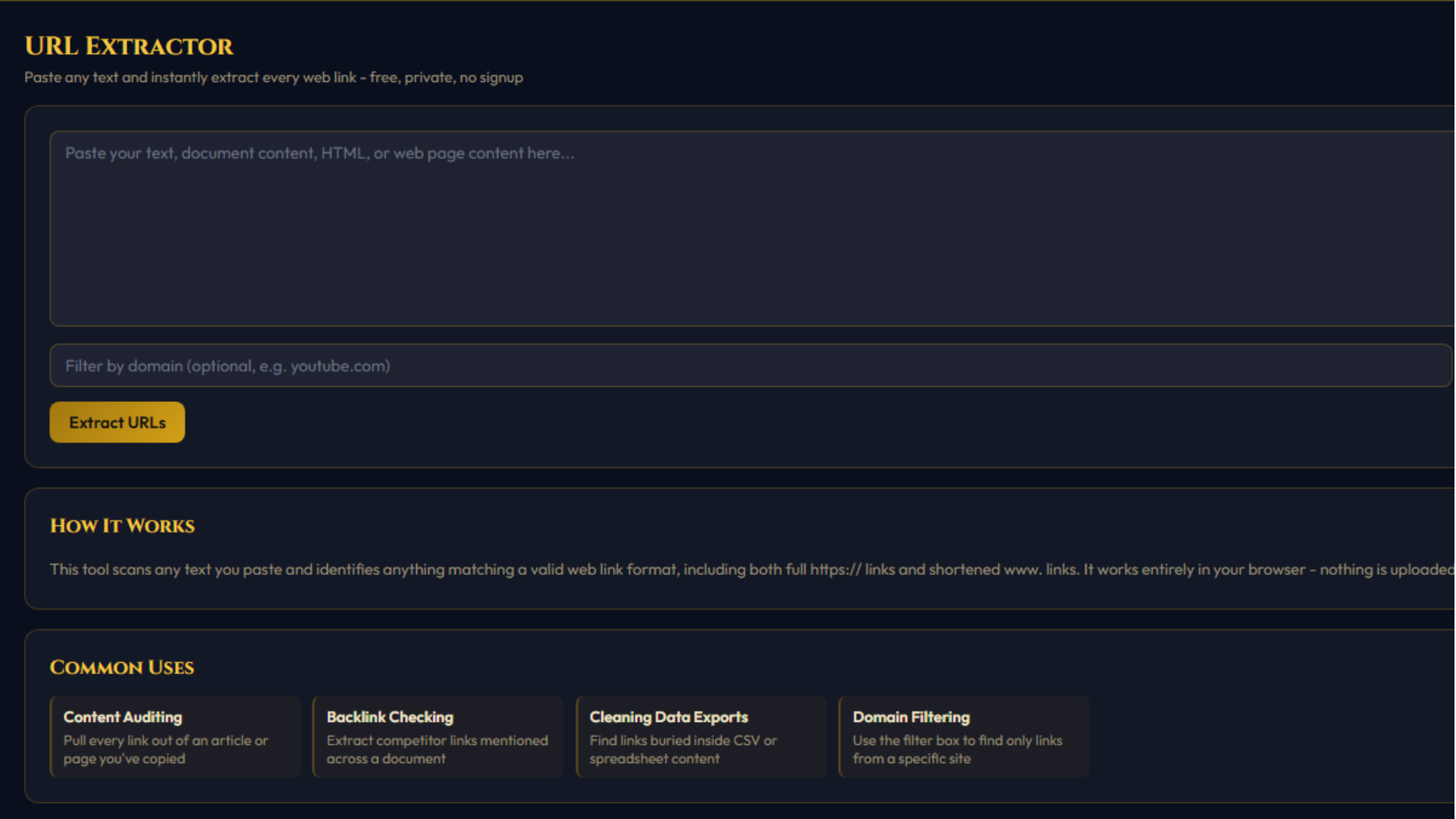
A URL extractor scans a block of text and identifies anything that matches the structure of a web link - whether that is a full address starting with https://, a shortened version starting with www., or a link embedded inside a sentence, document, or even raw HTML code. Instead of reading line by line, the tool returns a clean list of every link it finds in seconds.
This is different from a web crawler or scraper, which visits websites automatically to collect data. A URL extractor does not visit any website at all - it only looks at text you provide yourself and identifies link patterns within it. That distinction matters because it keeps the tool simple, fast, completely private, and free of any of the legal or technical complications that come with automated web scraping.
Why You Might Need to Extract URLs
There are more everyday situations than you might expect where pulling links out of text saves real time:
Content auditing. If you have copied an article, a newsletter, or a long report into a text editor and need to review every external link it references, manually scrolling through is tedious. An extractor instantly gives you the full list.
Research and citation compiling. When gathering sources for a project, you often end up with a document full of notes that include scattered links mixed in with regular text. Extracting them into a clean list makes it far easier to organize and reference them later.
Cleaning up data exports. Spreadsheet exports, CRM data dumps, and scraped CSV files frequently bury URLs inside messy, inconsistent text fields. Running that content through an extractor quickly isolates just the links, ready to be sorted or imported elsewhere.
Reviewing HTML or code. If you are looking through raw HTML source code and want to quickly see every link referenced in href attributes without parsing the markup by hand, pasting the raw code into an extractor surfaces every link instantly.
Filtering by domain. Sometimes you only care about links from one particular website mixed into a much larger block of text - for example, finding every YouTube link mentioned in a long document. A built-in domain filter makes this a one-step process instead of manual searching.
How the Tool Works
Using the URL extractor takes only a few seconds:
youtube.com or amazon.com.All of this processing happens directly inside your browser using JavaScript. Your text is never uploaded to any server, which means you can safely paste private documents, internal notes, or sensitive data without worrying about where that information goes.
What Kinds of Links Does It Detect?
The tool is built to recognize a wide range of common link formats, including:
- Full links starting with
https://orhttp:// - Shortened links starting with
www.without a protocol prefix - Links embedded mid-sentence, surrounded by punctuation like commas or periods
- Links inside raw HTML markup, such as those found in
href="..."attributes
www. format, the tool automatically normalizes it to a full https:// address so the extracted list is consistent and ready to use, whether you are pasting it into a browser, a spreadsheet, or another tool.A Note on Accuracy
Like any pattern-matching tool, a URL extractor identifies anything that looks like a valid link structure. In rare cases, this might pick up something that resembles a link but is not actually a working address, especially with unusual or malformed text. It is good practice to quickly review the extracted list, particularly before using it for anything important like outreach or data analysis.
It is also worth noting that the tool extracts links exactly as they appear in the text you provide - it does not check whether those links are currently active, safe, or still valid. If you need to verify whether links work before using them, that would require a separate link-checking step.
Tips for Better Results
A few small habits can make extraction smoother:
- Paste clean text where possible. While the tool handles raw HTML and messy formatting reasonably well, plain text generally produces the cleanest results with the least manual review needed afterward.
- Use the domain filter for large documents. If you are working with a very long piece of text but only need links from one site, filtering at extraction time saves you from manually sifting through a long combined list afterward.
- Remove duplicates for cleaner lists. Long documents often repeat the same link multiple times, especially in footnotes or repeated calls to action. Keeping duplicate removal enabled gives you a tidier final list.
- Download as CSV for spreadsheet work. If you plan to sort, categorize, or analyze the links further, downloading directly as a CSV file saves the step of manually reformatting a plain text list.
Try It Free
Use our URL Extractor to pull every link out of any block of text in seconds, with no signup required and nothing ever uploaded to a server. It is a small tool that solves a surprisingly common problem - and once you start using it, you will likely find yourself reaching for it any time you are dealing with text full of scattered links.